
Start here
Getting started
The welcome page #
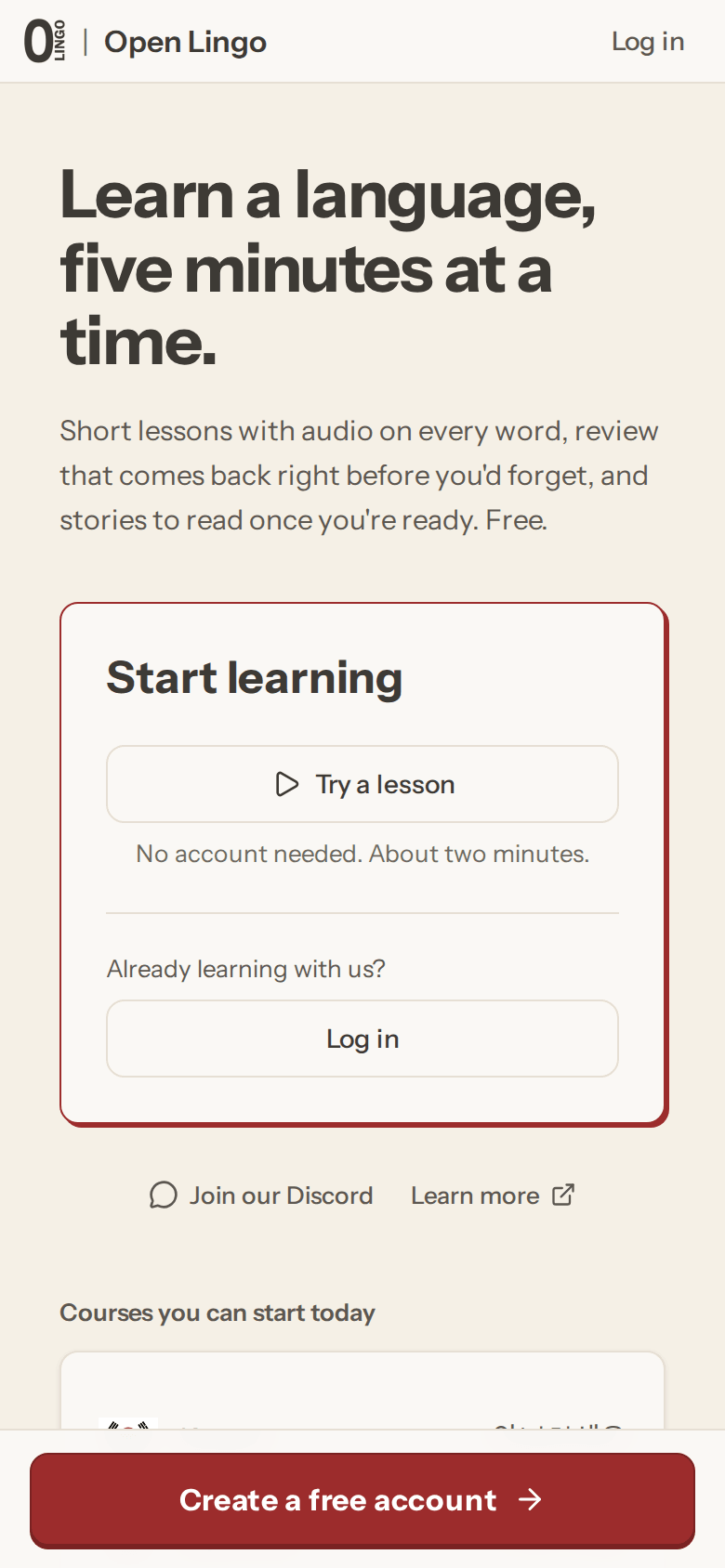
Open the app while signed out and you land on the welcome page. From there you can try a lesson, create a free account, or log in if you already have one.
Try it without an account #
Try a lesson opens a short sample lesson that takes about two minutes. You do not need an account and nothing is saved. When you finish, you can go straight to sign-up with that language already picked.
Create an account #
Create a free account opens the get-started page, which asks one thing first: which language you want to learn. You can switch later or add more languages in Settings. Then you create the account itself with an email address or a Google account.
Once you are in, a few quick choices set you up: what brings you to the language (you can skip this), how many lessons a day you are aiming for, and where to start. A little later, Home asks one optional question, how you heard about Open Lingo. Answer it or dismiss it; nothing depends on it.
Pick your starting point #
If you already know some of the language, take the placement test. It asks progressively harder questions, finds your level, and unlocks the modules you have already covered. If you are starting from zero, start from the beginning. The first module assumes no prior knowledge. Coming from Anki? You can import your decks at the same step.
Home #
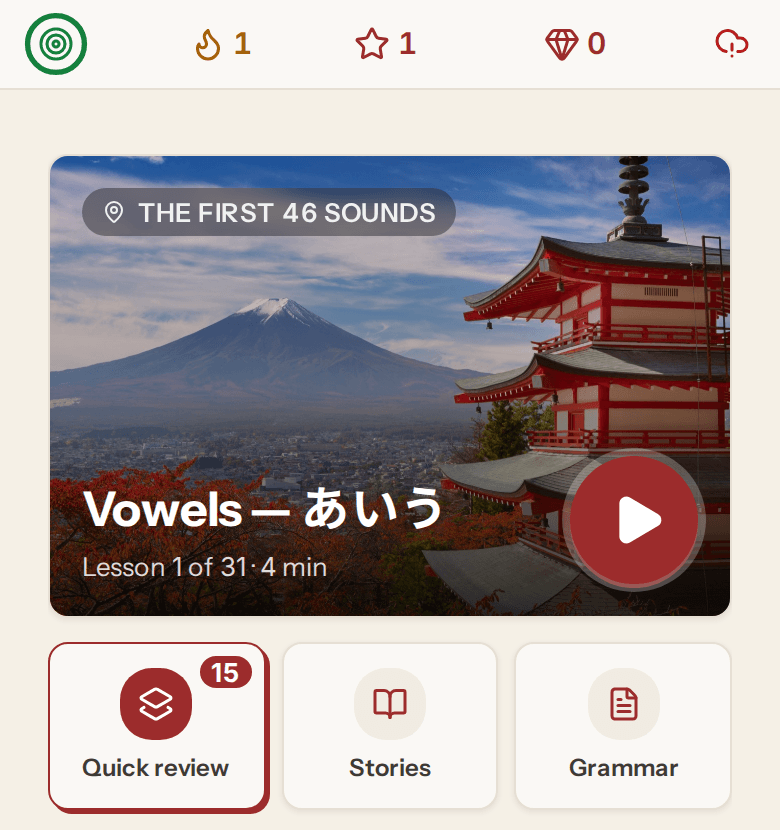
Home is where each session starts. The big card plays your next lesson, and the tiles under it open your flashcard reviews, stories and grammar notes.
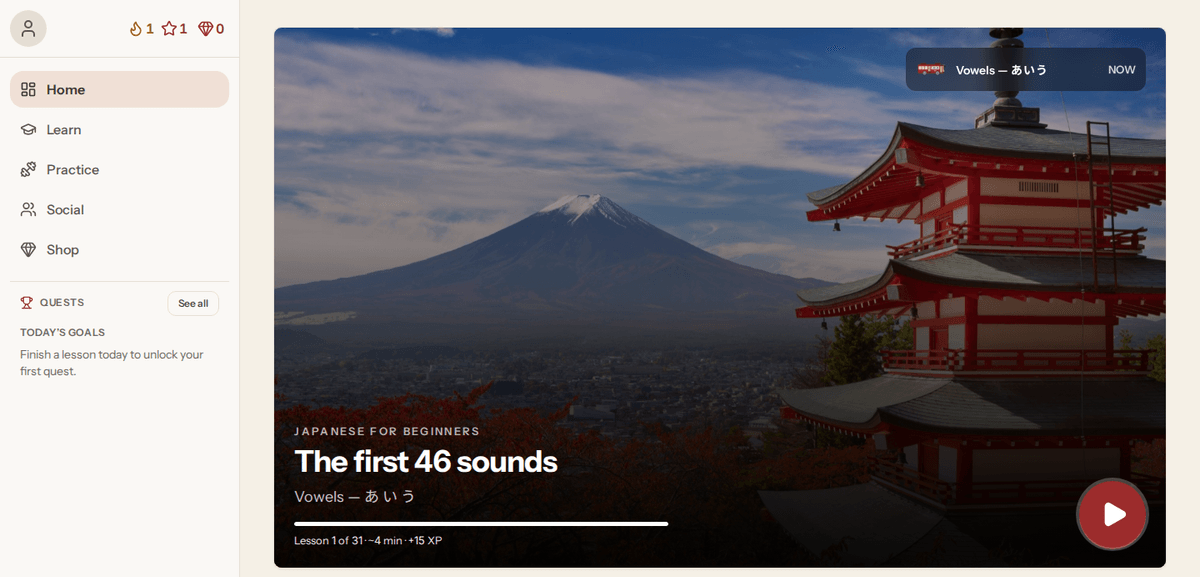
On a computer the same page has a sidebar with Learn, Practice, Social, the Shop and today's quests.
Practice beyond lessons #
Once a module is done, the Practice page adds grammar and conjugation drills, stories, listening, speaking and writing. See Practice.
Build the habit #
Lessons are about five minutes. The review queue is what makes the material stick, so a short session every day beats a long one every week.
A streak and daily quests are there if you want them; see Quests and streaks.
Getting help #
Email support@linguiversal.com about your account or anything else. For quick questions, the community Discord is at https://discord.gg/zpGgHenTEs.