
Learning
Courses
Languages #
Korean, Japanese, Spanish and French are open to everyone. Japanese is the most complete, through N4-level grammar; the others are growing module by module.
Modules and lessons #
A course is a sequence of modules, each holding several short lessons. Modules are ordered so that every lesson only uses what earlier lessons taught.
The Learn map #
The Learn tab draws each course as a train line. Every station is a module, and the "You are here" marker sits on the module you are working through. Tap a station to see its lessons, carry on where you left off, or test out of it.
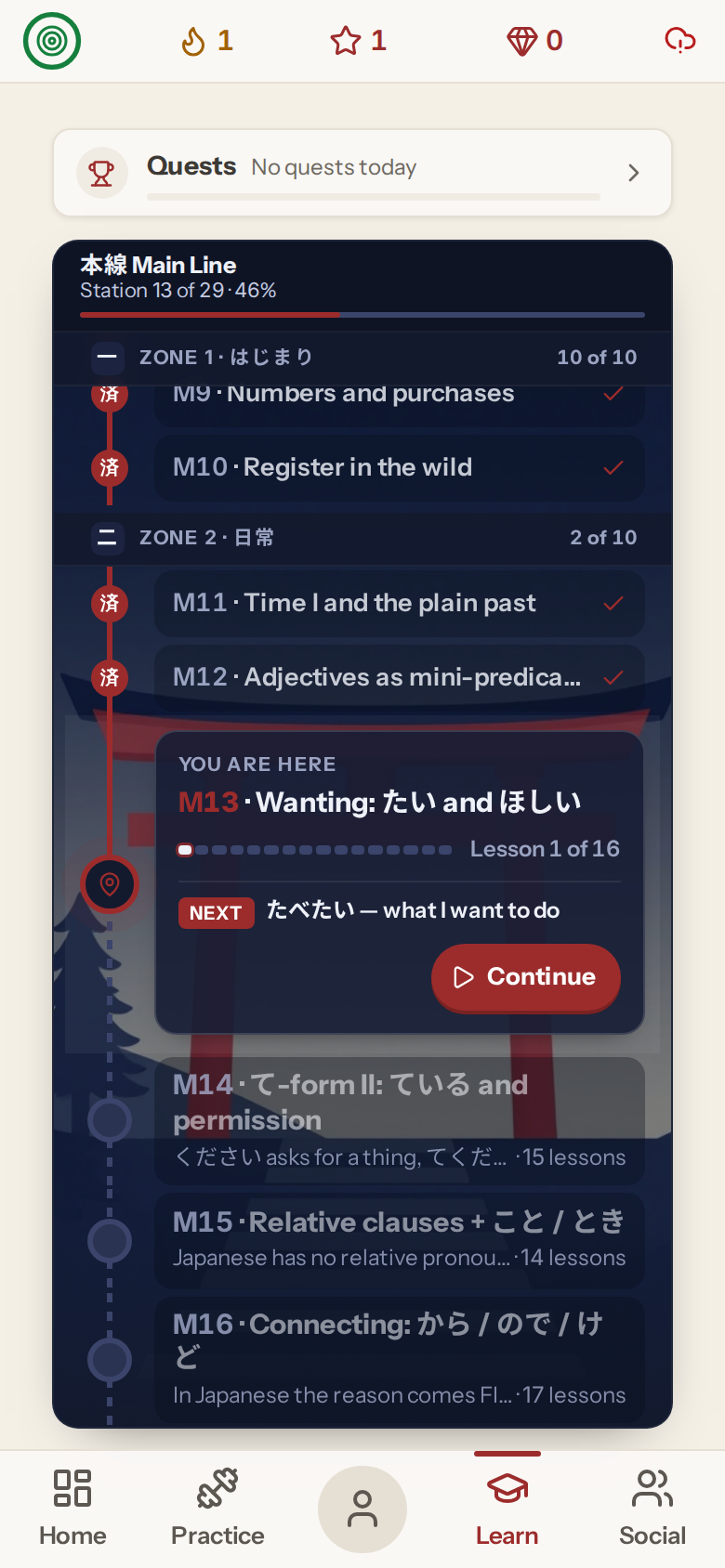
On a phone the line runs down the screen. On a tablet or computer it runs sideways, and you can drag or scroll along it.
Longer courses run on two lines. Japanese has the N5 Line and the N4 Line. Korean has Line 1, and Line 2 starts at module 28. Once you finish the first line, the Transfer stop at its far end takes you across to the second. A Transfer stop at the start of the second line takes you back.
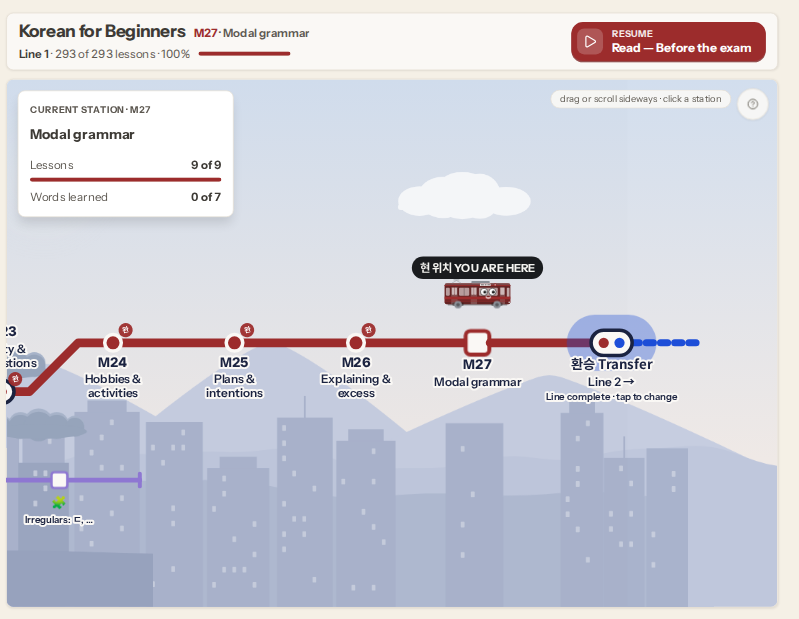
The map opens on the line that holds your current lesson. To open a particular line instead, set Course line under Settings › Learn map. "Follow my progress" puts it back to the default.
Side lessons #
Side lessons branch off the main line as their own small stops. Each one unlocks after the module where its material starts to turn up. They explain something the main lessons use without stopping to cover it in full:
- Korean speech levels: polite and casual speech (요 and 반말), the formal 합니다 style, and honorifics.
- Korean irregular verbs: the ㅂ, ㅎ, ㄷ, ㅅ and 르 irregulars, each set against a regular verb that looks the same.
- Japanese grammar: noun + する, and で as the joining form of だ.
Side lessons are mostly explanation and listening, and they do not add cards to your reviews. Some notes in the main lessons link straight to the side lesson that covers the topic. Korean also has lighter side trips, such as K-drama phrases, Korean food and the Busan dialect.
Lesson steps #
Every step uses the same layout: the prompt at the top, your answer in the middle, and the main button in the same place at the bottom. On a keyboard, Enter checks and continues, and number keys choose an option.
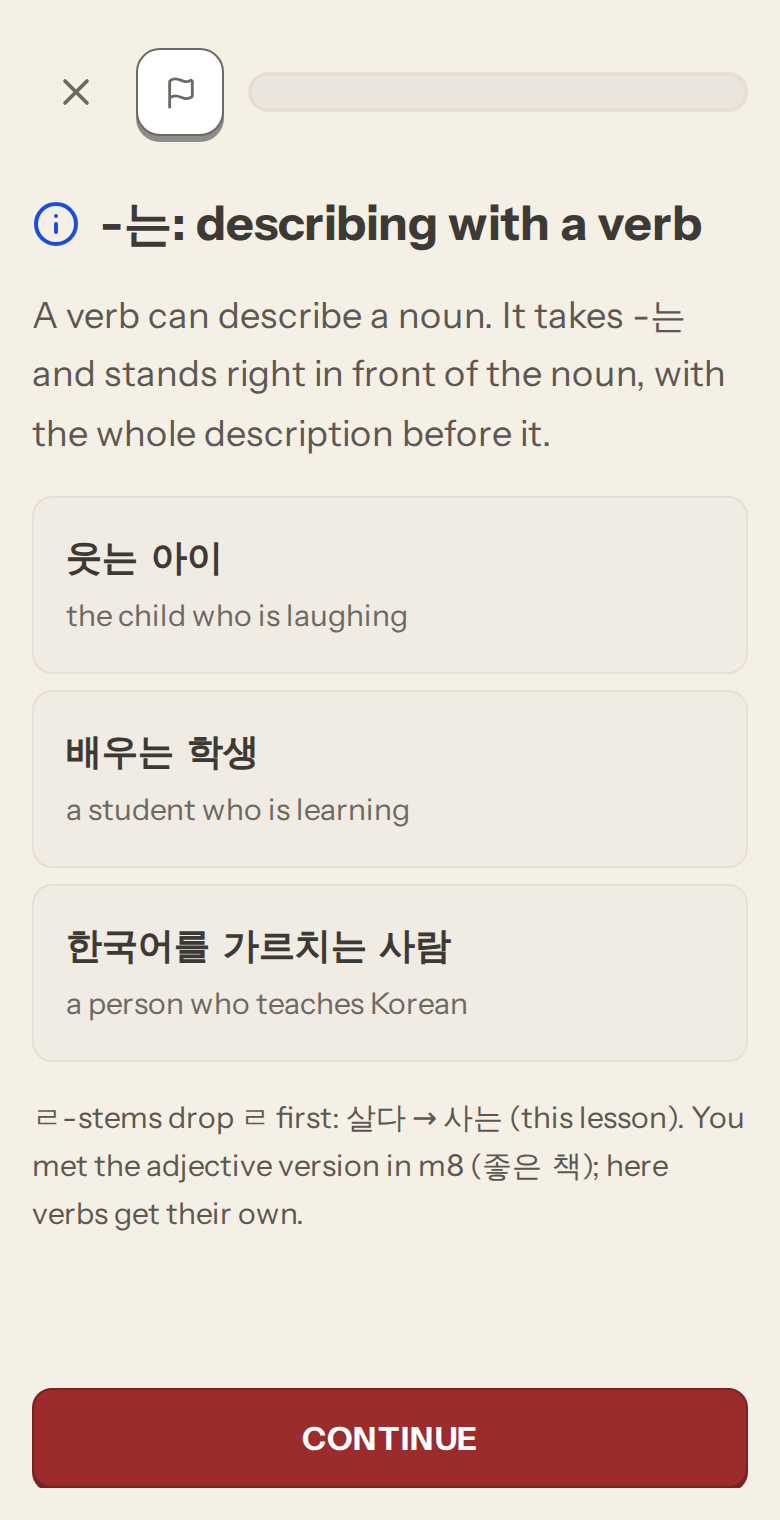
Teaching steps introduce a word, a character, or a grammar point. Grammar and info notes show worked examples as cards, with the sentence on top and the translation underneath.
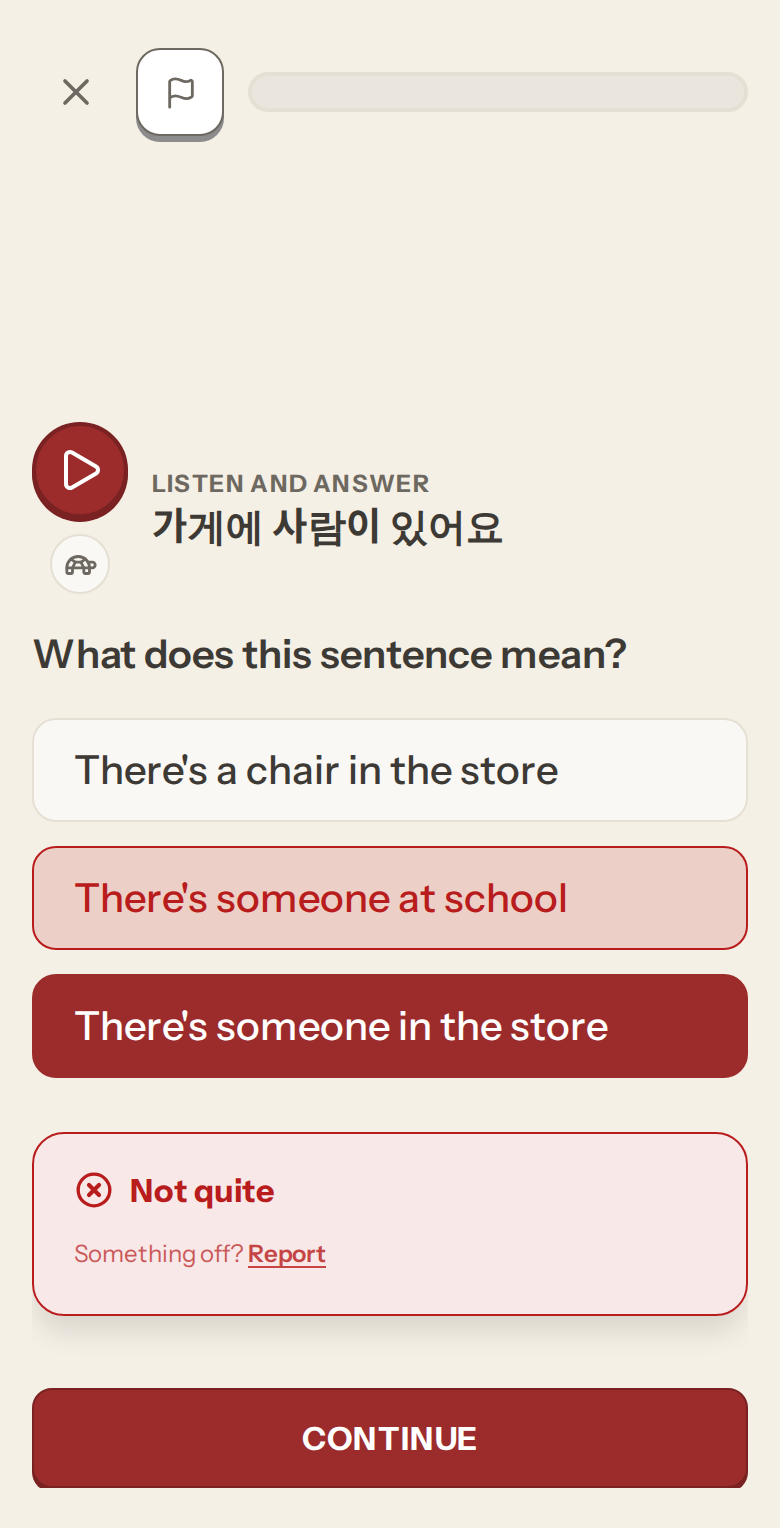
Graded steps ask you to produce or recognize what was taught. Pick or type your answer, press Check, and you see straight away whether it was right. A wrong answer is marked and the correct one is shown. Press Continue to move on.
If a step has a rule behind it, the Hint button shows the rule without giving the answer away. Any graded step you get wrong comes back once at the end of the lesson.
Only graded steps affect your review schedule. Reading an explanation never changes when a card comes back.
Finishing a lesson #
The completion screen shows your accuracy and score, your streak, and your progress toward the next level. A lesson with no mistakes is marked as a perfect run. You need 70% or more to earn XP; below that, the screen suggests drilling your misses and replaying.
Three buttons follow: Next lesson, Drill these words (with the number you missed, if any), and Return. In a module with row tests, the screen also shows how many you have passed, and tells you when the module is mastered.
Testing out #
If a module covers material you already know, use "test out". Answer the questions correctly and the module unlocks without working through every lesson. See Placement test for how it works.
Exercise types #
Lessons draw on more than thirty step types. The main ones are:
- Building sentences: arrange word tiles into a sentence, or build the sentence you hear.
- Multiple choice: pick the word, picture or particle that fits.
- Fill in the blank: particles, verb forms and missing words.
- Translation: type the sentence in the other language.
- Matching pairs and tap-the-word steps.
- Listening: answer questions about a sentence or a short dialogue.
- Dialogue: take your turn in a short conversation.
- Conjugation: change a verb into the form the prompt asks for.
- Writing systems: watch a character's stroke order, trace it, then write it from memory.
- Kanji readings: read a word written in kanji.
- Speaking: say the phrase aloud. Speech recognition writes down what it heard and compares it with the target.
Spanish and French add steps of their own for grammatical gender, agreement, stress, silent letters and liaison.